
 Join our Discord
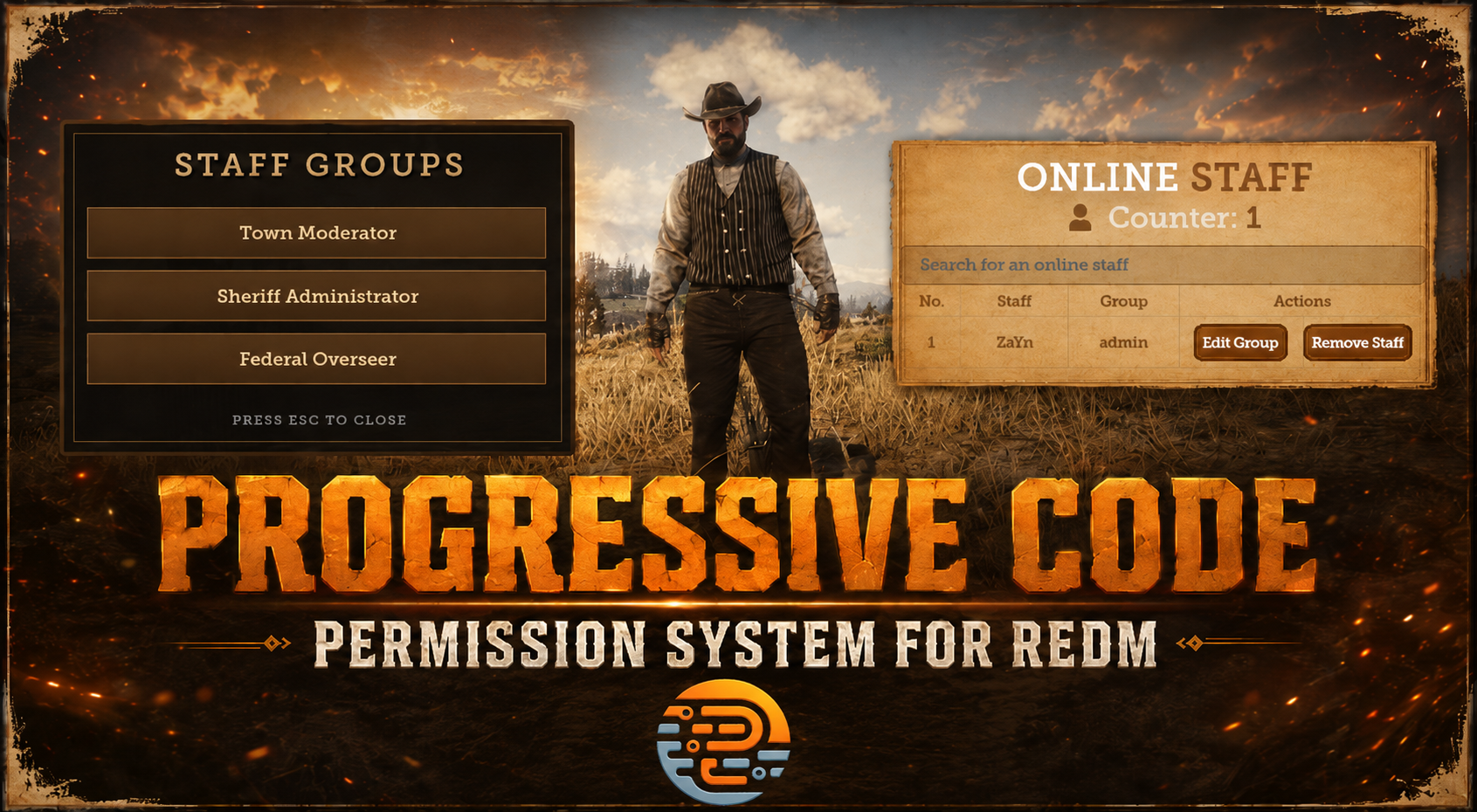
Staff Permission System For RedM VORP-Core, RSG-Core, QB-Core, RedEm & RPX-Core
Hello, everyone! Today, we’re excited to introduce our latest RedM script – the Standalone Permissions System for Staff and Admins!
This script is a powerful, flexible system for managing staff on your server. By default, it comes with three groups: mod, admin, and superadmin – but you can easily add as many groups as you like, each with its own permission levels for maximum control.
The script includes four key exports:
- HasPlayerRightGroup (client side) to check if a player belongs to a specified group and higher, based on the group’s level.
- GetPlayerGroup, SetPlayerGroup, and HasPlayerRightGroup (server side) for managing groups and permissions on the server side.
For easy management, we’ve added a sleek UI menu that opens with /onlinestaff. This allows superadmins to view and manage all online staff, change their roles, or remove them from the staff list entirely. Everything is configurable, so only authorized players can access this menu.
Additionally, there are two helpful commands:
- /giveperms [ID] to assign a group to a player by their ID.
- /removeperms [ID] to remove permissions without using the UI.
With its seamless optimization and standalone compatibility for VORP-Core, RSG-Core, QB-Core, RedEm & RPX-Core, this script is the perfect solution for managing staff on your server. Also it is highly optimized running at an impressive 0.00 ms on the resmon.
Preview Video On Youtube: FiveM Staff Permission System Preview Video (Soon RedM Preview Video Will Be Uploaded)